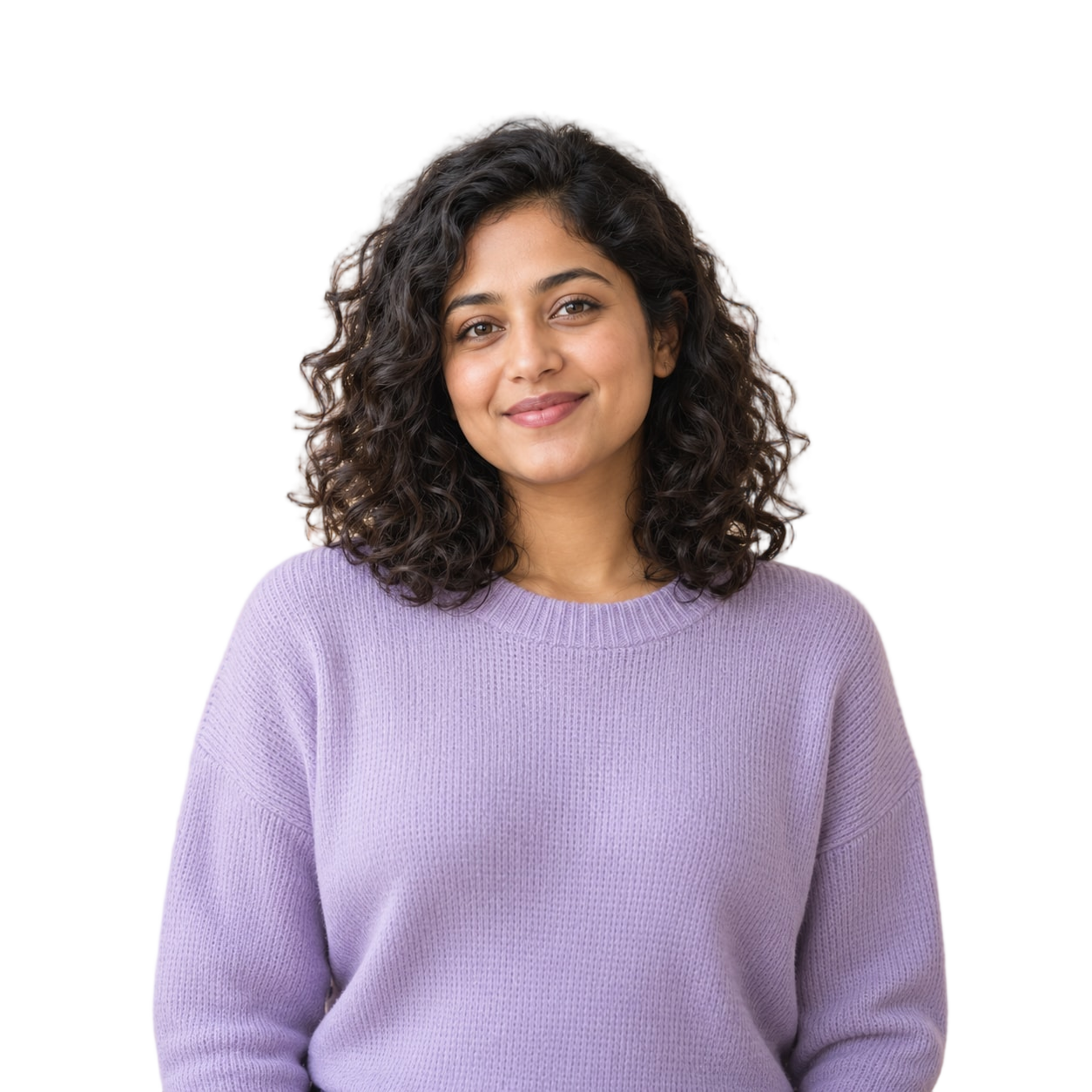

Portraits & people
A little more focus on you.
Keep the subject. Lose the distractions.
Turn portraits, products and everyday photos into transparent PNGs.
Drag & drop your image here
JPG, PNG or WebP · Up to 10 MB · 20 MP or paste an image with Ctrl + VDrag the divider to see the difference.
Slide to see how a clean background changes the whole picture.
A little more focus on you.
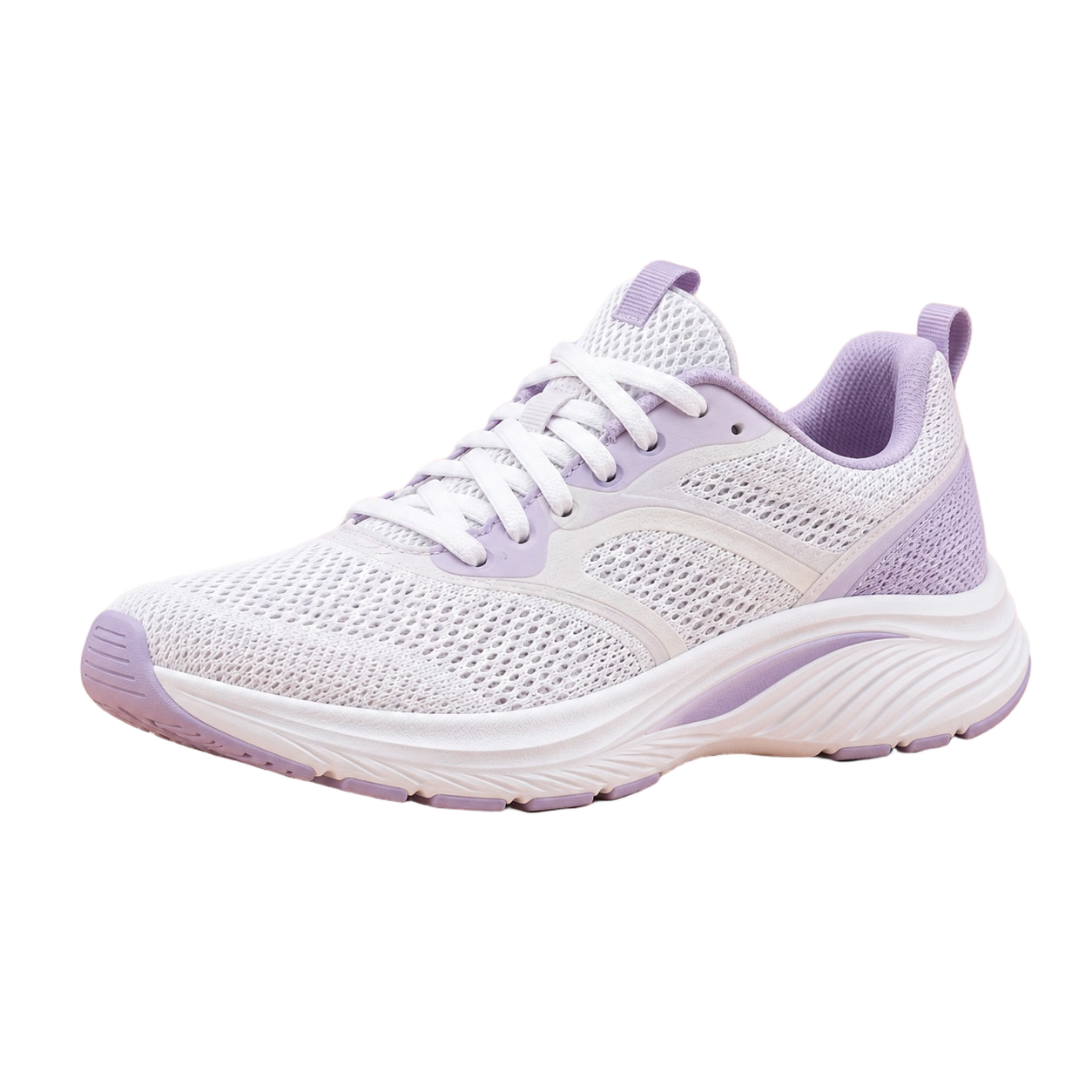
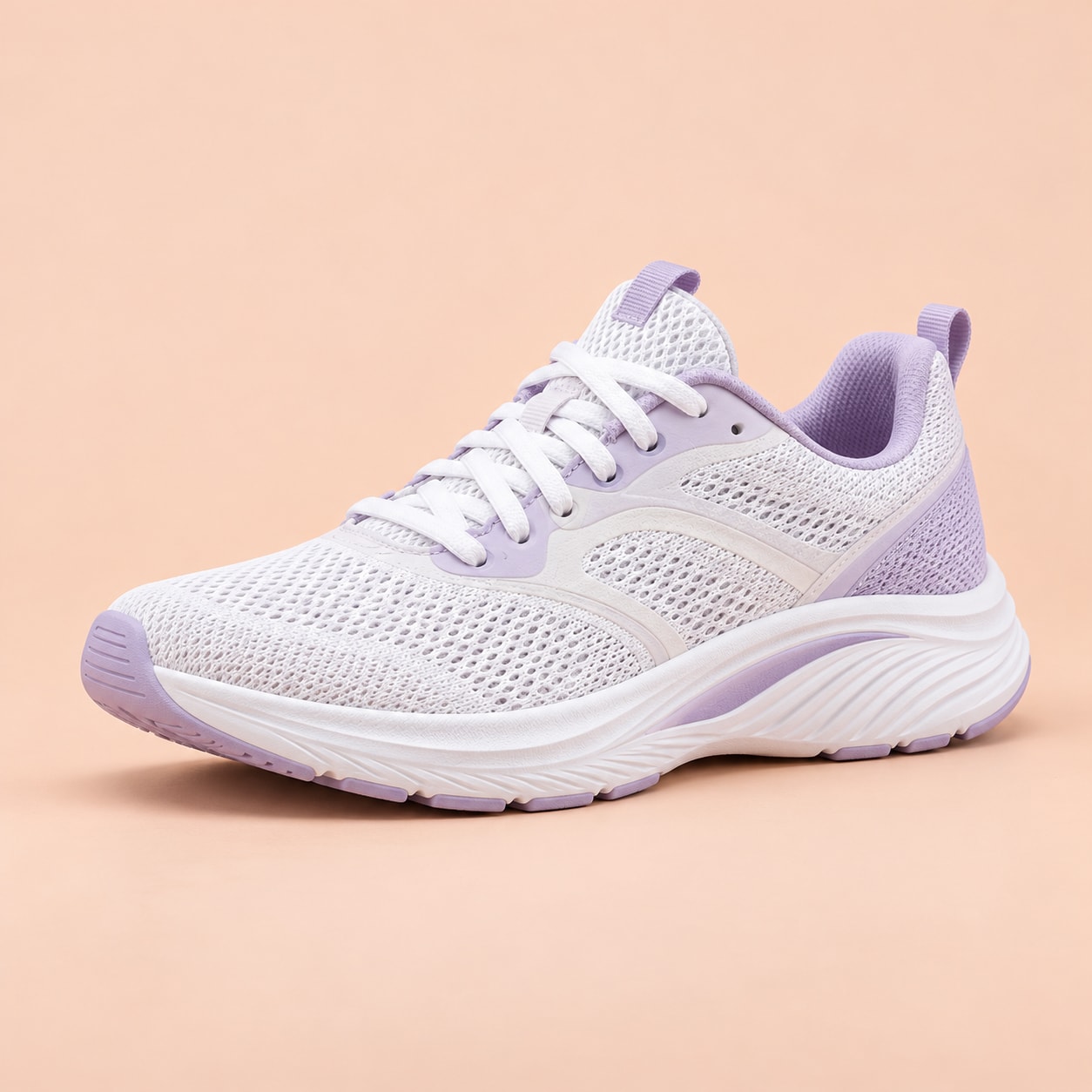
Let your products take the spotlight.
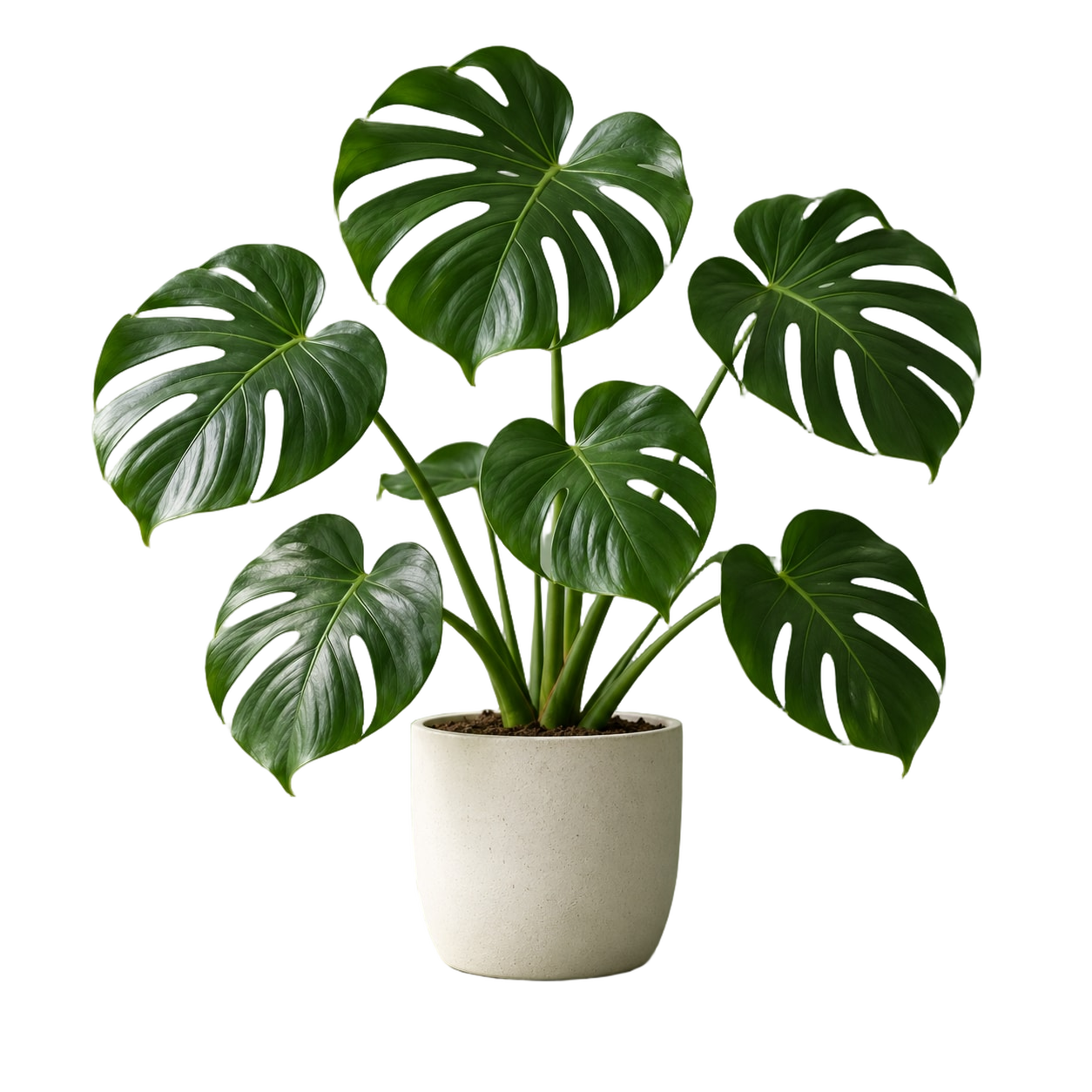
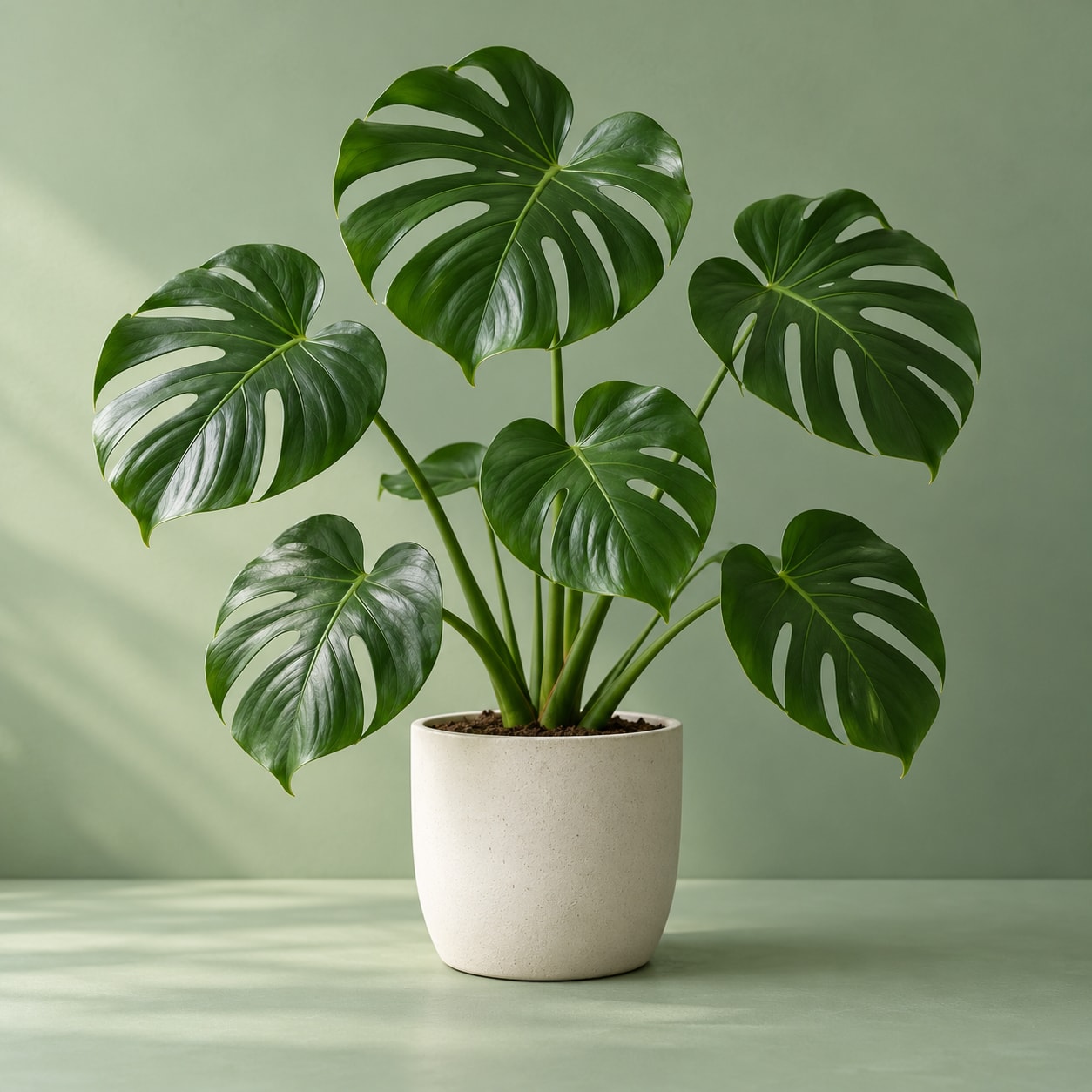
Make space for a fresh composition.
Prepared sample previews. Results vary with the image and settings.
Explore the examplesNo complicated tools. Just you, your image and a fresh start.
Drag in an image or choose a photo from your device. JPG, PNG and WebP all work.
Choose your setting and click remove. We keep you updated while your image is processed.
Compare before and after, then download your transparent PNG at its original dimensions.
From a new profile photo to your next product listing, make your subject the center of attention.
Ready for your next creationEverything you need for a smooth first cutout.
Use a still JPG, PNG or WebP image up to 10 MB and 20 megapixels. Animated images, HEIC, SVG and PDF files are not supported. Convert those to a supported image format first.
Yes. The result downloads as a PNG with transparency. The checkerboard is only a preview of transparent areas and is not added to your file. Changing the preview background also leaves your download transparent.
Start with Fast & sharp for most images. Try Detailed cutout for complex shapes or Soft edges for portraits. Refine fine edges can help with hair and soft boundaries, but takes longer. Always inspect the result before using it.
Your browser downloads the AI engine and a small model the first time you use the tool. Later images can reuse them. Processing happens on your device; keep this page open while it works.
Give your next idea a little more room to stand out.
Upload an imageNo account needed · Transparent PNG downloads